Zapier Guide
Connect Facebook lead ads using Zapier

Connect Facebook lead ads using Zapier
In Zapier, chose the Facebook Lead Ads app
and select the “trigger event” as the “new lead”
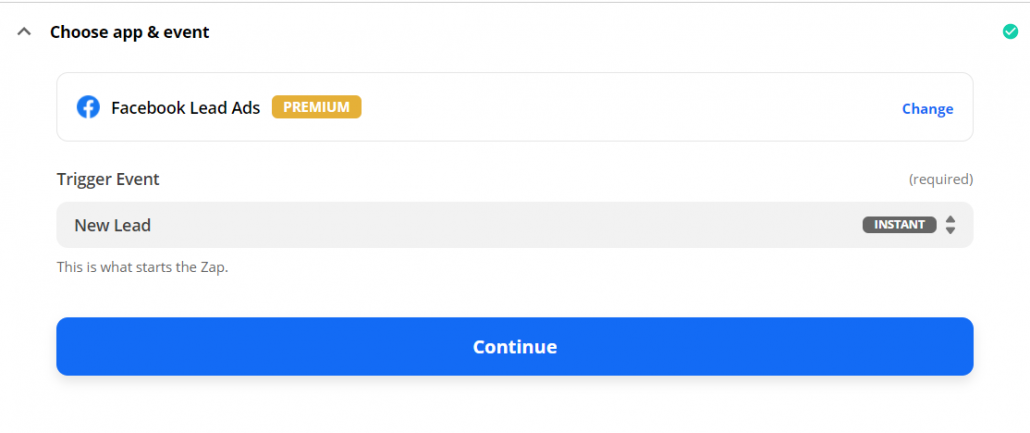
Click “Continue”
Choose your Facebook account and confirm it.
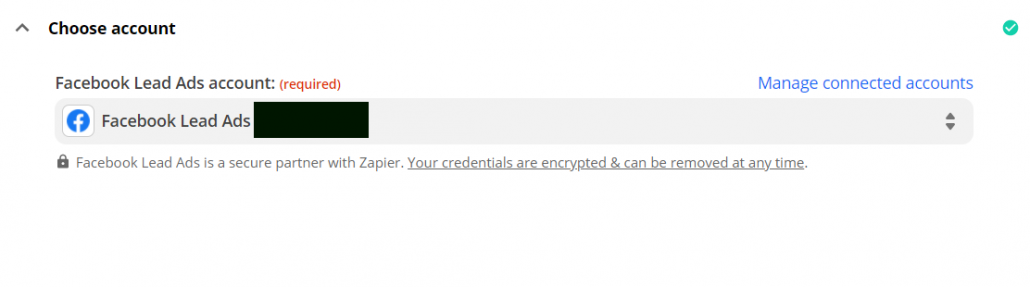
Click “continue”
From the list, select your Facebook page (Page)
and choose your form (Form)
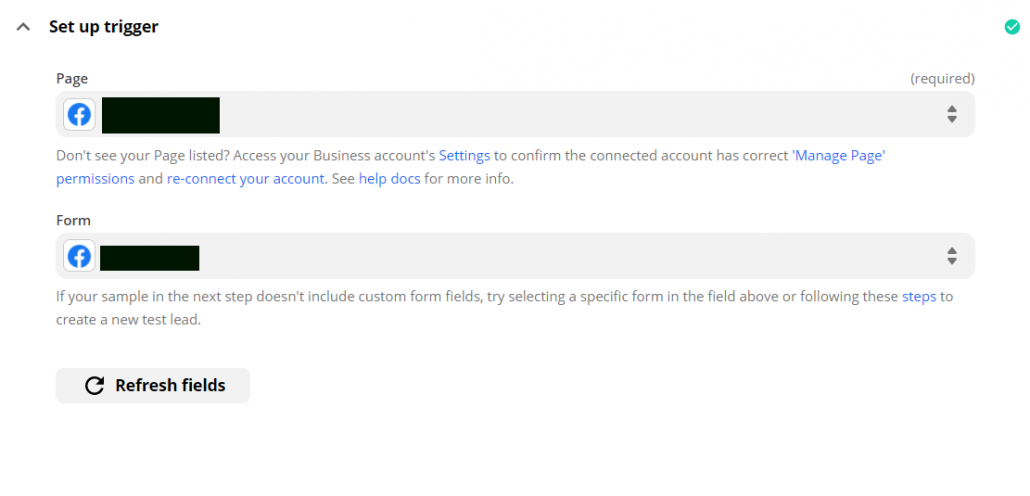
Click “Continue”
(Clicking on “Test trigger” will give you sample leads – you need to fill in at least one lead for testing)
In “Action”, select “Webhooks by Zapier”
In “Choose event”, select “Post”.
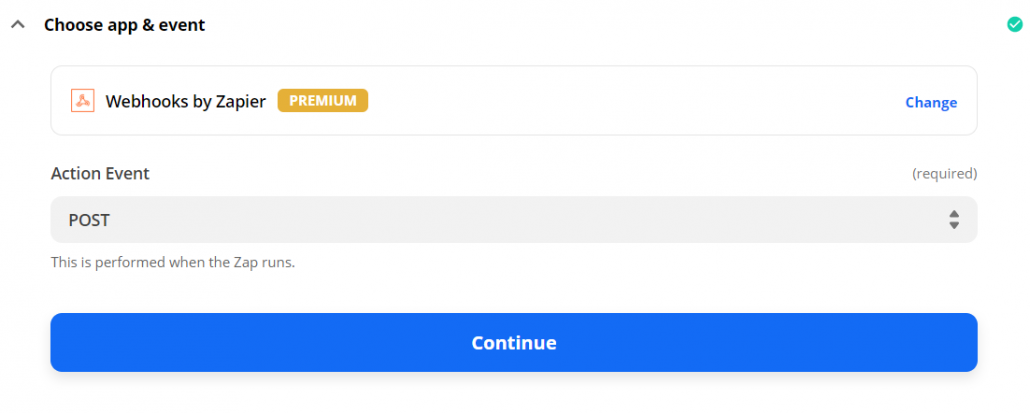
Click “Continue”
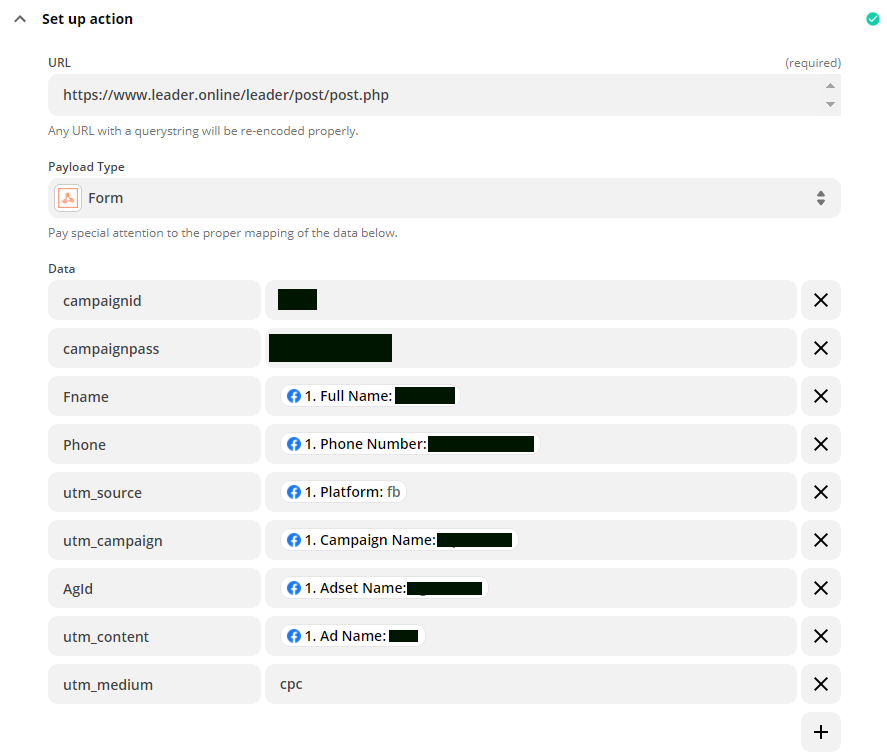
In the “URL” insert the Leader link: https://www.leader.online/leader/post/post.php
under “Data” (see image below).
Add the 2 identification fields (Leader Campaign Number and Password) as follows:
campaignid
campaignpass
Complete (on the right) what you see in the Leader campaign edit page (campaign’s ID and password)
Add the rest of the data according to the values established in the Leader campaign
An example of basic fields:
Name: Fname
Phone: Phone
Mail: Email
If, for example, you do not have email in the form, there is no need to add it at this point.
On the right side select the appropriate values from the form.
If there are other fields that appear in your form, such as: city, age, etc. You can add them at this point. (If the fields already exist in Leader, take the field name and use it here. If they do not exist in Leader, they must be created to get a field name.)
Add the advertising data after the form data :
utm_source and on the right side select “platform”.
utm_campaign and on the right side select “Campaign Name”.
Agid and on the right side select “Adset Name”.
utm_content and on the right select “Ad Name”.
utm_medium and on the right side complete a static value of – cpc
Click “Continue”
Click on “Test and review”
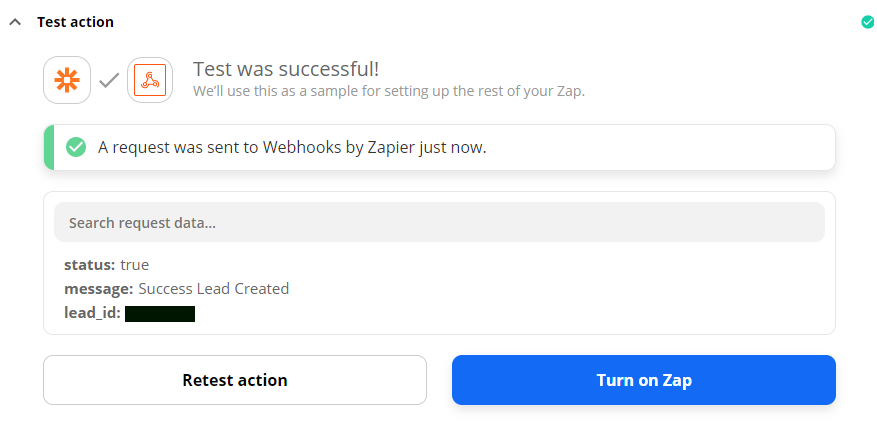
You’ll get a response confirming that you have completed the test successfully.
