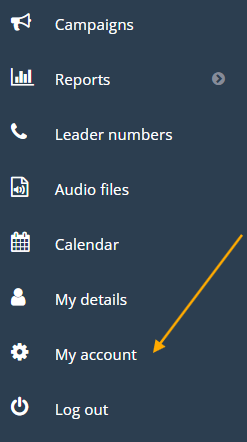
Access “My Account”
In the Leader menu, select “My Account.”
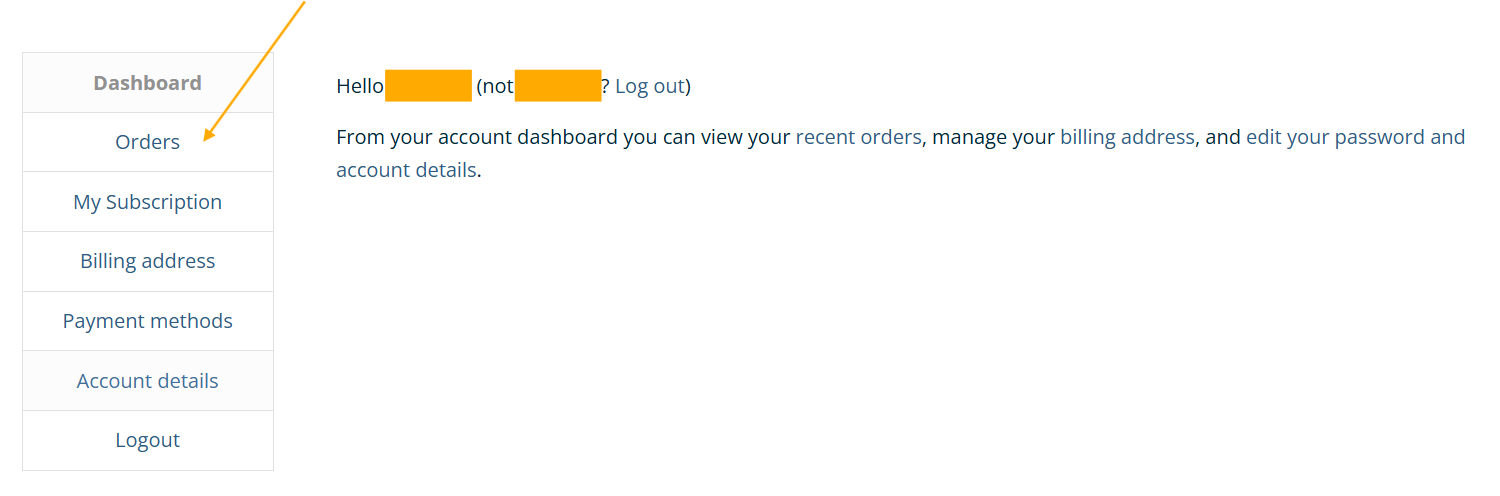
Navigate to “Orders”
Within your account, click on “Orders.”
You will now see a list of your invoices. Select “View” or “Print” to access them.

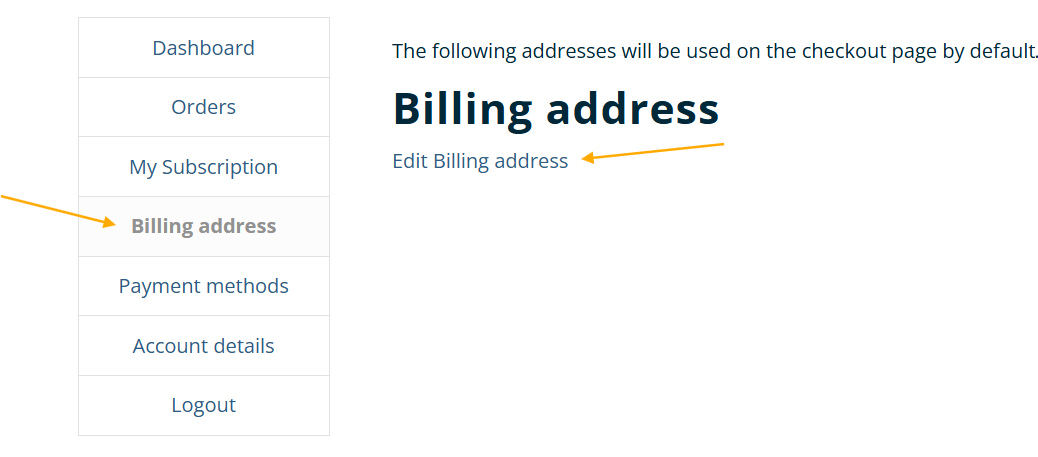
Note: Invoices are also sent via email. To update your email, go to the Billing Address section.